Symmetry drawing pad, free online
Draw one stroke and the board folds it into a mandala.
The Mecmua app goes to 64 mirrors, with layers, Apple Pencil and 4K export.

This board, and the app
Start here. Move to the app when a drawing outgrows the board.
| This board | Mecmua for iPhone and iPad | |
|---|---|---|
| Mirrors | 1 to 24, with or without reflection | 2 to 64; up to 12 free |
| Symmetry | Rotation around a centre | Rosettes, 7 frieze groups, 17 wallpaper tilings, spherical and hyperbolic |
| Brushes | Ink, nib, marker, dots | 290 brush presets with Apple Pencil pressure and tilt |
| Layers and undo | Undo and redo | Layers, blend modes, masks, 250 undo steps |
| Export | PNG, 2048 px | PNG up to 4K free; 8K, looping video and Live Photo with Unlimited |
| Account | None | None |
What the app adds
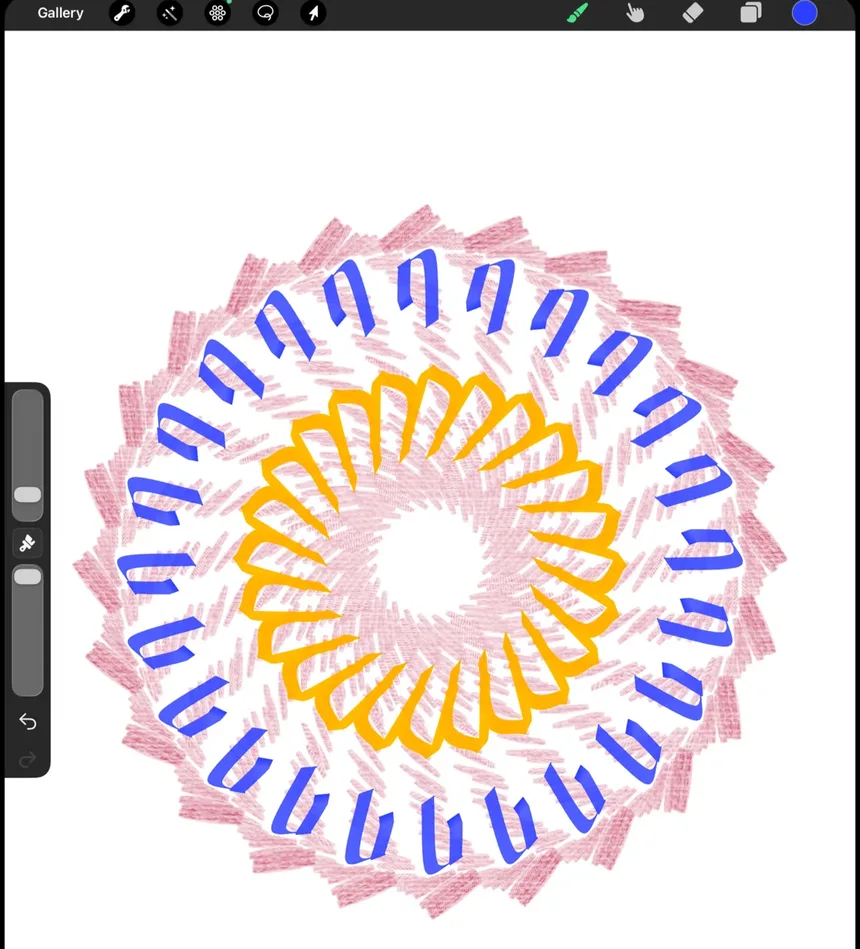
Refold after drawing
Change the mirror count when the drawing is done and the whole page folds again, in one step you can undo.
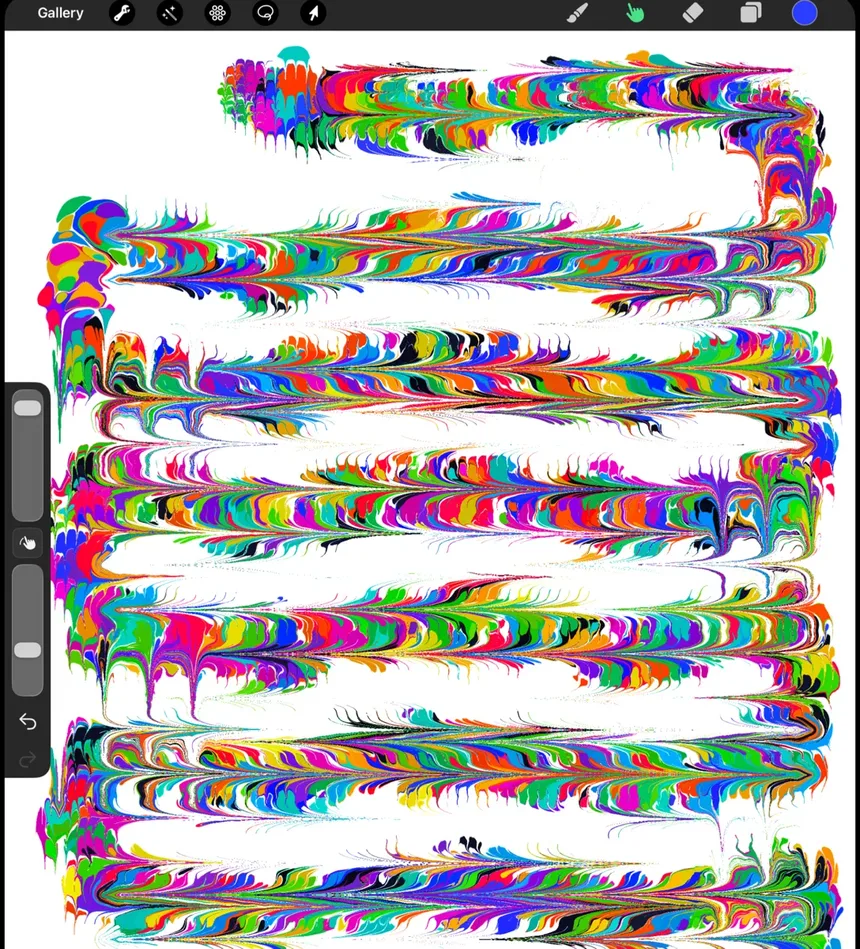
Ebru marbling
Drop paint on simulated water, then comb, wave and swirl it like a marbling tray. Part of Unlimited.
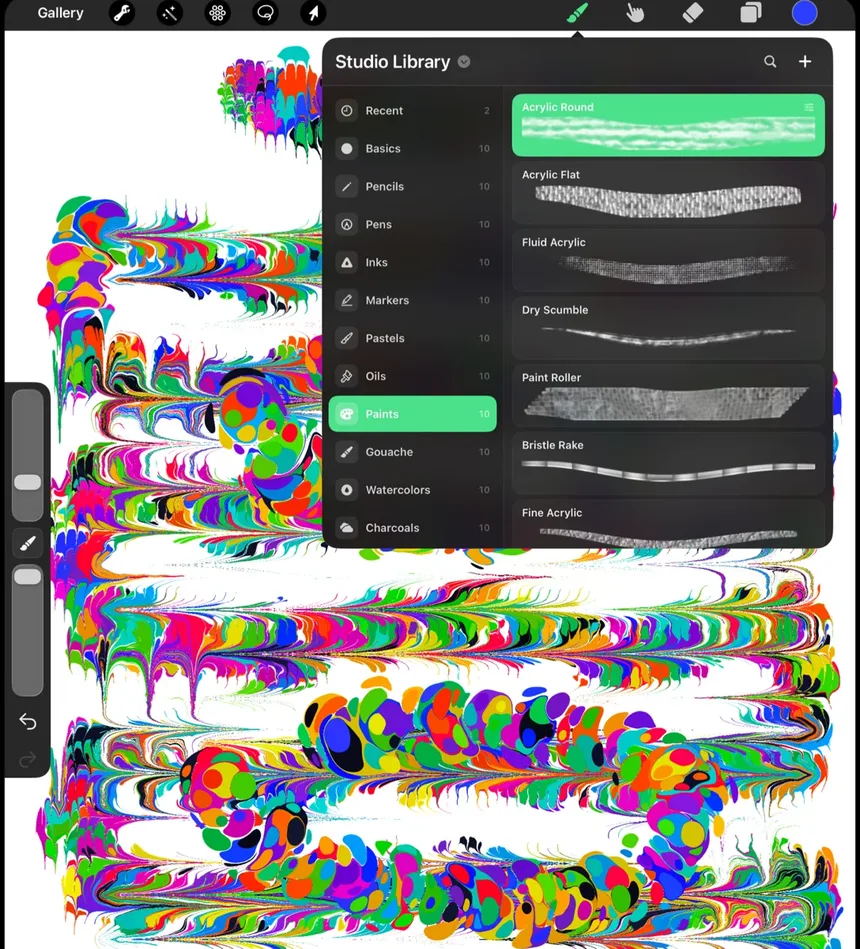
Natural-media brushes
Beside the free pens, inks and markers, Unlimited adds oil, gouache, watercolor, pastel and charcoal sets.
Questions
- Is the drawing board free?
- Yes. There is no account, no watermark and no limit on drawings. The site name in the corner of the PNG can be switched off.
- Are my drawings uploaded?
- No. Everything is drawn in your browser. A share link carries the drawing inside the link itself; nothing is stored on a server.
- What is the difference between a mandala and a kaleidoscope here?
- A mandala repeats your stroke around the centre. Turn on reflection and each copy is also mirrored, which is how a kaleidoscope builds its pattern.
- Does it work with Apple Pencil or a tablet pen?
- Yes. With a pen, the ink and nib brushes follow pressure. A mouse or finger draws at an even width.
Keep drawing on iPad and iPhone
Mecmua is free to download. Unlimited opens the rest as a yearly plan or a one-time purchase.